





What are the buttons on the side of the mouse?
 Mar 03, 2025|
In the digital age, the mouse has become an indispensable computer accessory in daily life and work. In addition to the common left and right buttons, many high-end mice have two additional buttons on the side. What are the functions of these two buttons? This article will analyze in detail the functions of the two buttons on the side of the mouse and their applications in various scenarios.
The side buttons of the mouse are usually located on the left and right sides of the mouse, respectively called "side button 1" and "side button 2". The specific functions of these two buttons vary depending on the brand and model of the mouse. In most cases, the main function of these two buttons is to provide a more convenient and efficient operation method.
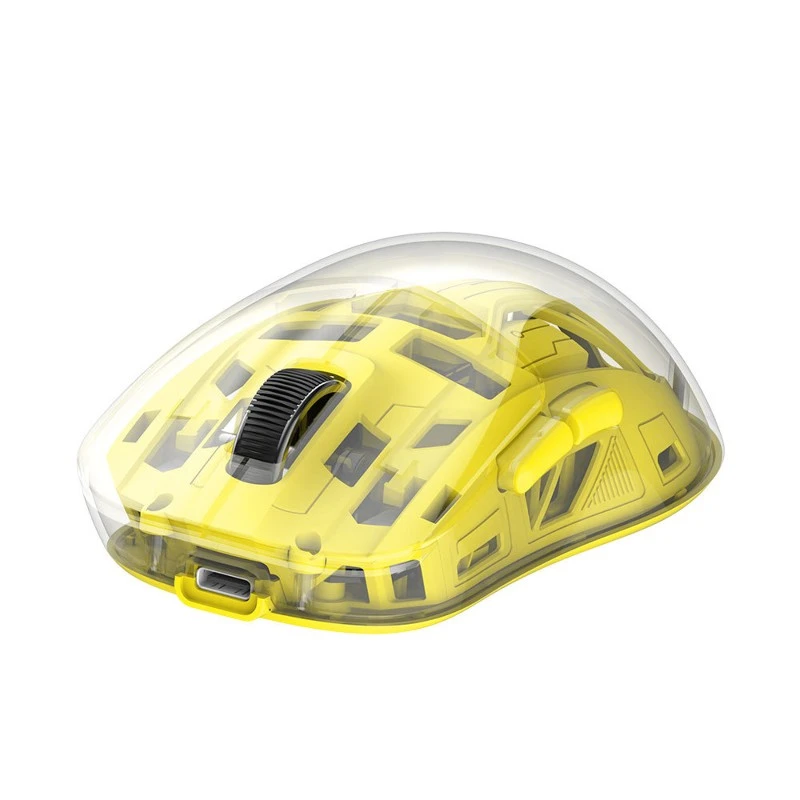
Functions and application scenarios of side button 1:
Side button 1 is usually located on the left side of the mouse and is mainly used for quick operations in scenarios such as browsing web pages and documents. Its main functions include:
1. Flipping pages forward and backward when browsing web pages: When browsing web pages, side button 1 can be set to realize the function of fast page flipping to improve browsing efficiency.
2. Fast jump in document editing: During document editing, side button 1 can be used to quickly jump to the previous or next page of the document.
3. Game operation: In some games, side button 1 can be used to perform specific game operations, such as jumping, attacking, etc.
Functions and application scenarios of side button 2:
Side button 2 is located on the right side of the mouse. Its functions and application scenarios are similar to those of side button 1, but may be different. Its main functions include:
1. Zoom and scroll: When browsing web pages or documents, side button 2 can be used to zoom or scroll the content, making it easier for users to view more content.
2. Quickly launch programs: Side button 2 of some mice can be set as a shortcut key to quickly launch specific programs or functions, such as opening a calculator, browser, etc.
3. Special operations in the game: During the game, side button 2 can be used to perform special game operations, such as switching weapons, using skills, etc.
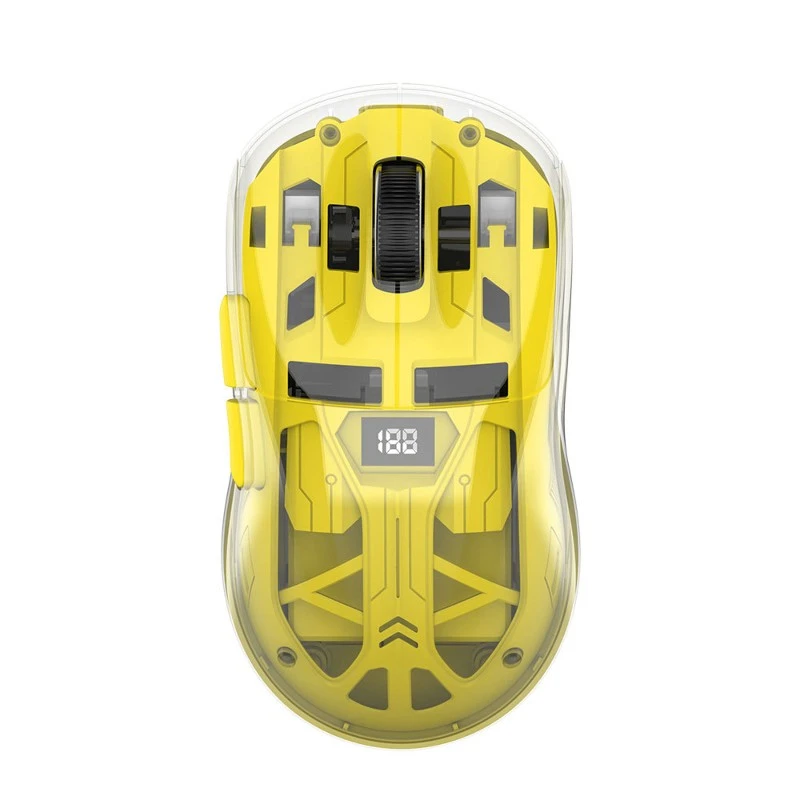
How to set the function of the mouse side button?
The function setting of the mouse side button usually depends on the operating system and mouse driver used. In Windows system, users can adjust the function of the side button through the "Mouse" setting in the "Control Panel", while in Mac system, users can adjust the mouse settings in the "Accessibility" option in "System Preferences". Many high-end mice also provide special drivers, through which users can customize the function of the side button.

Precautions for using the mouse side button:
When using the mouse side button, you need to pay attention to the following points:
1. Understand the mouse model used and the functions supported by the driver so that you can better use the side button for operation.
2. When setting the side button function, you should consider your own usage habits and needs to improve work efficiency and convenience.
3. Avoid over-reliance on the side button for operation to avoid affecting hand health and mouse life.
4. When using games and other scenes that require quick response, you should ensure that you are familiar with the function and position of the side button so that you can respond quickly at critical moments.
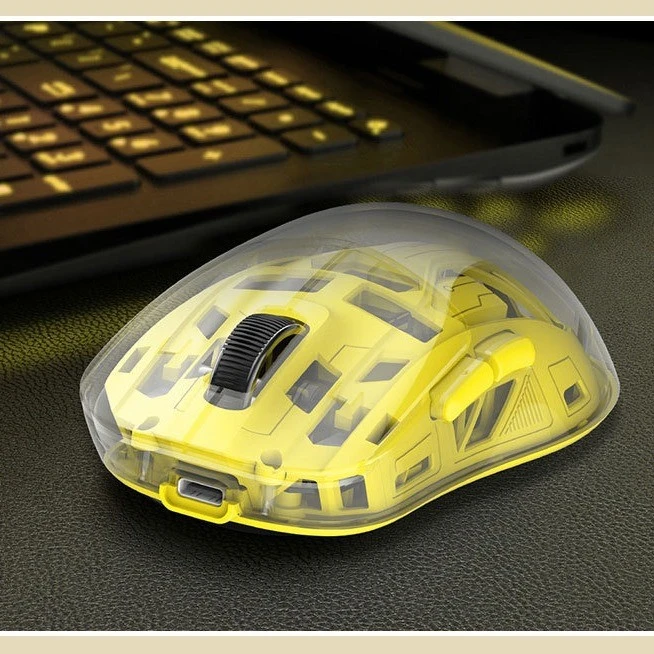
This article analyzes in detail the functions of the two buttons on the side of the mouse and their applications in various scenarios. By understanding these functions and application scenarios, we can better utilize the side buttons of the mouse to improve work efficiency and convenience. We also need to pay attention to some matters during use to protect hand health and extend the service life of the mouse. I hope this article can help everyone when using the mouse.