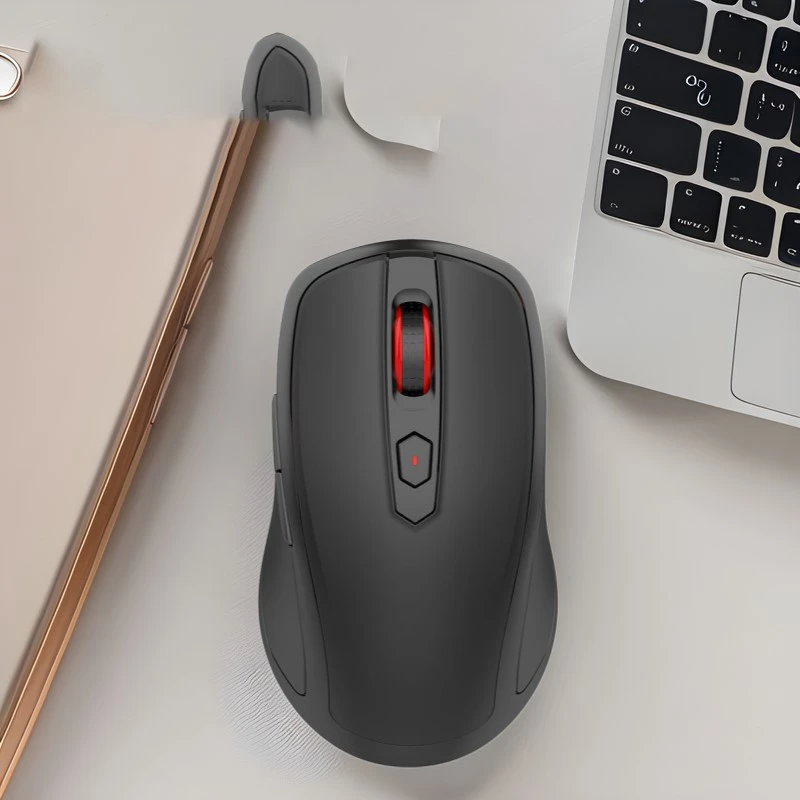
How to fix my wireless mouse interfering with my WiFi?
 Mar 06, 2025|
 Will using a wireless mouse affect the wireless network? In-depth exploration of the possibility and solution of mutual interference between wireless devices.
In modern life, wireless devices are everywhere. Whether it is a wireless mouse, a wireless keyboard, or a wireless network (Wi-Fi), these devices play an important role in our daily work and entertainment. However, sometimes we encounter a problem: Will using a wireless mouse affect the connection quality of the wireless network? This article will explore this issue in depth and provide possible solutions to help readers better understand and solve the interference problem between wireless devices.
How do wireless mice and wireless networks work?
First, let's briefly understand how wireless mice and wireless networks work. Wireless mice usually communicate over the 2.4GHz frequency band, the same frequency band used by most Wi-Fi networks (such as 802.11b/g/n standards). The 2.4GHz frequency band includes multiple channels, and devices can select and switch between these channels.
Wireless networks (Wi-Fi) transmit Internet signals to various devices such as computers, mobile phones, tablets, etc. through routers. Wi-Fi signals are also broadcast on the 2.4GHz band, so when multiple devices use this band at the same time, some interference may occur.
The possibility of a wireless mouse interfering with a wireless network:
1. Frequency band overlap: As mentioned earlier, both wireless mouse and Wi-Fi network use the 2.4GHz band. If the wireless mouse and wireless router work on the same channel, the possibility of interference will increase. This interference may manifest as a weaker Wi-Fi signal, disconnected connection, and a decreased data transmission rate.
2. A large number of devices: In a small area, too many wireless devices use the same frequency band, and the spectrum resources are occupied more seriously, thereby increasing mutual interference. This is especially common in office environments.
3. Physical obstacles: Wireless signals are easily affected by physical obstacles (such as walls, furniture, etc.) during propagation, resulting in signal attenuation. If there are a large number of obstacles between the wireless mouse receiver and the wireless router, the signal quality may deteriorate further.
How to reduce the interference of a wireless mouse on the wireless network?
Now that we understand the reasons why a wireless mouse may affect a wireless network, we can take some measures to reduce this interference.
1. Change the channel: Most wireless routers allow users to manually select the Wi-Fi channel. By changing the router's channel, you can avoid overlapping with the channel used by the wireless mouse, thereby reducing interference. It is recommended to choose a relatively idle channel, such as 1, 6, 11, etc.
2. Use the 5GHz band: If your wireless router supports the 5GHz band, you can consider switching your Wi-Fi network to this band. The 5GHz band has relatively less interference and a higher transmission rate. However, the 5GHz band has poor penetration and is suitable for use in a relatively small range.
3. Increase the distance: Try to increase the distance between the wireless mouse receiver and the wireless router to avoid being too close to each other. If possible, place the wireless router in a higher position to ensure a wider signal coverage range.
4. Use wired devices: In some occasions that require high stability and high speed (such as online games, video conferencing, etc.), you can consider using a wired mouse or a wired network connection to completely avoid wireless interference problems.
5. Upgrade equipment: Some old wireless devices may not be as anti-interference as new devices. If you experience frequent interference issues, consider upgrading to equipment that supports the latest wireless standards, such as Wi-Fi 6.