




How to reduce the power consumption of a Table Air Fan?
 Nov 17, 2025|
 In today's energy - conscious world, reducing the power consumption of electrical appliances has become a top priority for both consumers and suppliers. As a table air fan supplier, I understand the importance of providing energy - efficient products and sharing tips on how to use them more efficiently. In this blog, I'll share some practical ways to reduce the power consumption of a table air fan.
Choose an Energy - Efficient Model
The first step in reducing power consumption starts with the purchase. When consumers are in the market for a table air fan, they should look for models with high energy efficiency ratings. Modern fans are designed with advanced motor technologies that can deliver strong airflow while consuming less power.
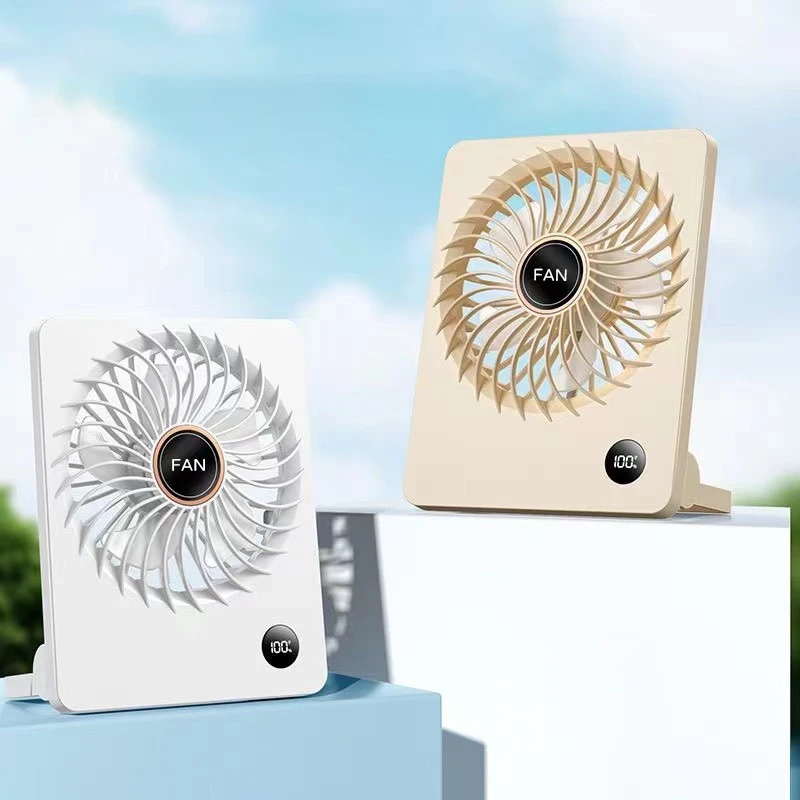
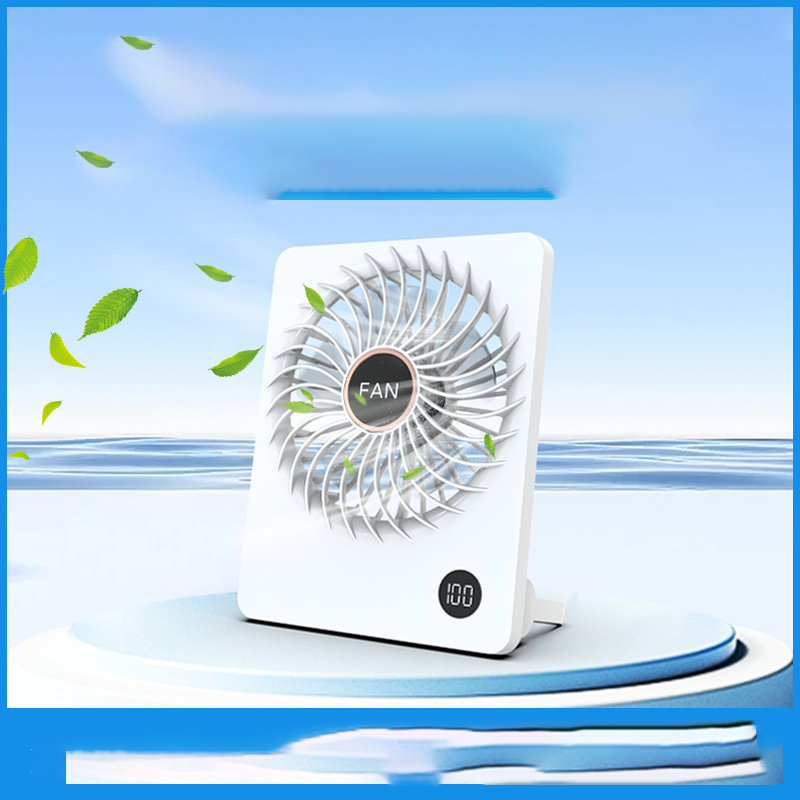
For example, fans with brushless DC motors are known for their energy efficiency. These motors convert electrical energy into mechanical energy more effectively than traditional brushed motors, resulting in lower power consumption. As a supplier, I offer a range of fans with brushless DC motors, such as A Desk Fan. This fan not only provides a powerful and comfortable breeze but also helps consumers save on their electricity bills in the long run.
Another factor to consider is the fan's airflow efficiency. Fans with well - designed blades can move more air with less power. Look for fans with aerodynamically shaped blades that can generate a large volume of airflow at a lower speed. This means that the fan doesn't have to work as hard to achieve the desired cooling effect, thus consuming less power. Our Small Table Fan for Living Room is designed with such efficient blades, making it an energy - saving choice for small spaces.
Optimize Fan Placement
Proper placement of the table air fan can significantly impact its power consumption. When a fan is placed in the right location, it can circulate air more effectively, allowing you to use a lower speed setting and still achieve the same level of comfort.
Place the fan near a window or an open door. This allows the fan to draw in fresh air from outside and circulate it throughout the room. In hot weather, this can help reduce the reliance on air conditioning, which consumes much more power. For example, if you place the fan on a table near an open window, it can create a cross - breeze, making the room feel cooler without having to run the fan at a high speed.
Avoid placing the fan in a corner or against a wall. This can restrict the airflow and force the fan to work harder to move air. Instead, place the fan in an open area where it has plenty of space to circulate air freely. Our Top Rated Desk Fans are designed to be versatile in placement, and with proper positioning, they can operate more efficiently.
Use the Right Speed Setting
Most table air fans come with multiple speed settings. Using the appropriate speed setting for your needs can save a significant amount of power.
In general, start with the lowest speed setting and gradually increase it if needed. If the room is only slightly warm or if you're sitting close to the fan, the lowest speed setting may be sufficient to keep you comfortable. Running the fan at a lower speed consumes less power and also reduces noise.
For example, if you're working at your desk and just need a gentle breeze to keep you cool, set the fan to the lowest speed. As the temperature rises or if you start to feel warmer, you can increase the speed. By adjusting the speed according to your comfort level, you can avoid running the fan at a higher speed than necessary.
Utilize Timer and Auto - Off Features
Many modern table air fans are equipped with timer and auto - off features. These features can be very useful in reducing power consumption.
The timer feature allows you to set the fan to run for a specific period. For example, if you're going to sleep, you can set the fan to run for a few hours and then automatically turn off. This prevents the fan from running all night when you may not need it, saving power.
The auto - off feature can also be handy. Some fans are designed to turn off when they detect that the room has reached a certain temperature or when there is no movement in the room. This is especially useful in offices or rooms where you may forget to turn off the fan when you leave.
Regular Maintenance
Proper maintenance of the table air fan is essential for its energy efficiency. A dirty or poorly maintained fan has to work harder to move air, which increases power consumption.
Clean the fan blades regularly. Dust and debris can accumulate on the blades over time, which can disrupt the airflow and reduce the fan's efficiency. Use a soft cloth or a brush to gently clean the blades. You can also use a vacuum cleaner with a brush attachment to remove dust from hard - to - reach areas.
Check the motor and lubricate it if necessary. Over time, the motor bearings may become dry, which can cause the fan to run less efficiently. Refer to the manufacturer's instructions for the proper lubrication method.
Inspect the power cord for any damage. A damaged power cord can cause electrical problems and increase power consumption. If you notice any fraying or damage to the cord, replace it immediately.
Conclusion
Reducing the power consumption of a table air fan is not only beneficial for the environment but also for consumers' wallets. By choosing an energy - efficient model, optimizing fan placement, using the right speed setting, utilizing timer and auto - off features, and performing regular maintenance, you can significantly reduce the power consumption of your table air fan.
As a table air fan supplier, I'm committed to providing high - quality, energy - efficient products. If you're interested in learning more about our energy - saving table air fans or have any questions about reducing power consumption, please feel free to contact me for a purchase consultation. I'm here to help you make the best choice for your needs and contribute to a more sustainable future.
References
- "Energy - Efficient Appliance Guide", U.S. Department of Energy
- "Optimizing Fan Performance", ASHRAE Journal
- "Airflow and Energy Efficiency in Fans", International Journal of Ventilation