




How to organize the cable of a wired keyboard?
 Nov 03, 2025|
 Hey there! As a supplier of wired keyboards, I've seen firsthand how messy cables can get. A tangled cable not only looks unappealing but can also lead to some real headaches, like signal issues and even damage to the cable over time. So, I'm here to share some tips on how to organize the cable of a wired keyboard.
Why Cable Organization Matters
First off, let's talk about why it's important to keep your keyboard cable in order. A well - organized cable can improve the overall aesthetics of your workspace. You know, a clean and tidy desk just makes you feel more productive and focused. Plus, it can prevent the cable from getting frayed or damaged. If a cable is constantly being tugged and twisted in a knot, it's more likely to break, which means you'll have to replace your keyboard sooner than you'd like.
Another benefit is that it can make troubleshooting easier. When your cable is neatly arranged, it's much simpler to identify if there's a problem with the connection or the cable itself.
Tools You'll Need
Before we start organizing, let's gather some tools. You don't need anything too fancy. Some zip ties are great for bundling the cable. They're cheap, easy to use, and you can find them at any hardware store. Cable clips are also a good option. These can be attached to your desk or the side of your computer case to hold the cable in place. And if you want a more stylish option, there are cable sleeves available. They come in different colors and materials, and they can give your cable a more professional look.
Step - by - Step Cable Organization
1. Measure and Plan
The first step is to measure the length of the cable you actually need. You don't want a long, loose cable just hanging around. Start by positioning your keyboard where you normally use it. Then, run the cable along the path it will take to reach your computer. Cut off any excess length if possible. However, be careful not to cut too much, as you might need a bit of extra cable in case you want to reposition your keyboard later.
2. Bundle the Cable
Once you've determined the right length, it's time to bundle the cable. Take your zip ties and start by making small loops around the cable at regular intervals. Don't make the loops too tight, as you don't want to damage the cable. If you're using a cable sleeve, slide the cable through it. The sleeve will not only keep the cable together but also protect it from dust and minor scratches.
3. Secure the Cable
Now, it's time to secure the cable in place. Use your cable clips to attach the cable to your desk or the side of your computer case. Start from the keyboard end and work your way towards the computer. Make sure the cable is straight and doesn't have any kinks. If you have a lot of cables running along the same path, you can use a multi - cable clip to hold them all together.
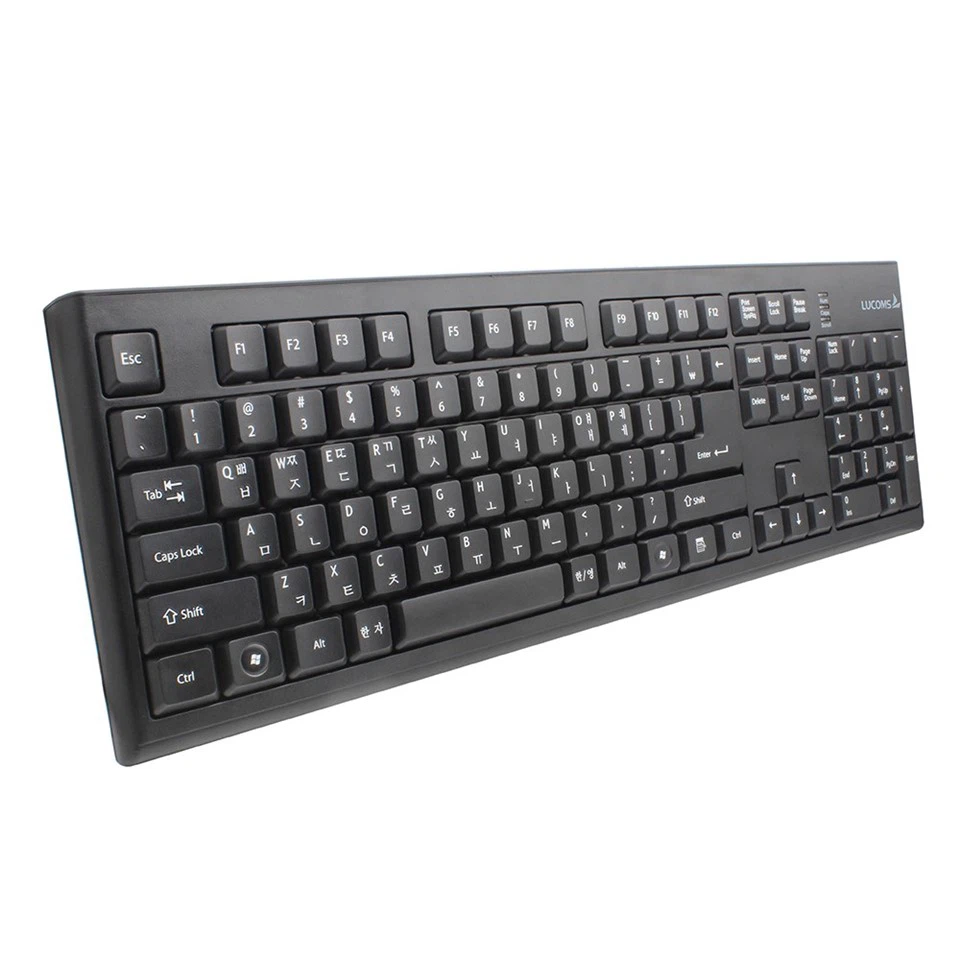
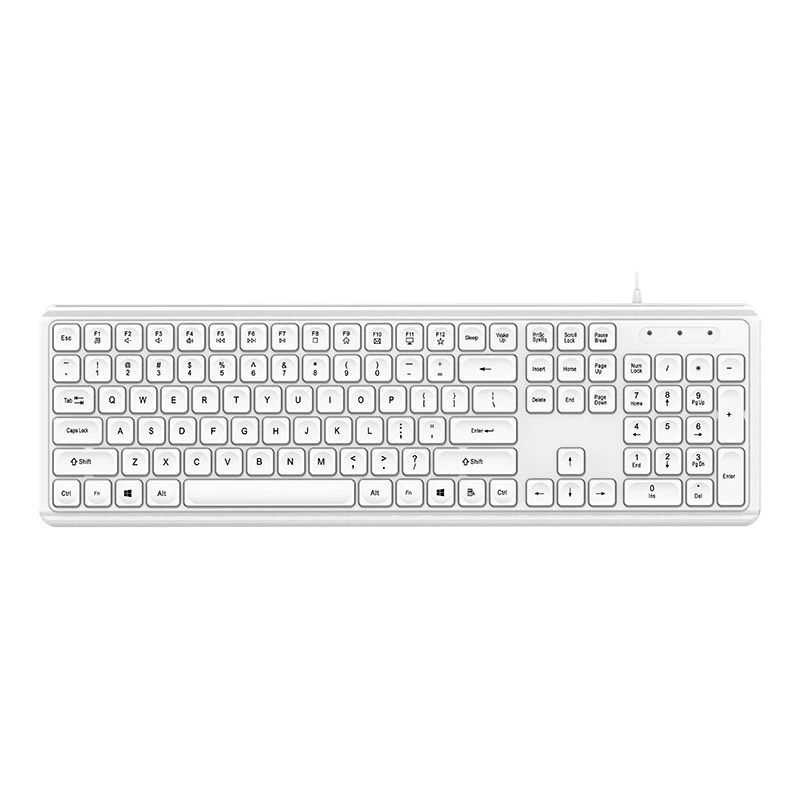
Specific Tips for Different Types of Wired Keyboards
Soft Touch Wired Keyboard
If you're using a Soft Touch Wired Keyboard, the cable is usually on the thinner side. This means it can be more flexible but also more prone to tangling. When organizing the cable of this type of keyboard, be extra careful when bundling it. You might want to use smaller zip ties or a thinner cable sleeve to avoid crushing the cable.
Soft Touch Keyboard Wired
The Soft Touch Keyboard Wired is similar to the previous one, but it might have a slightly different cable design. Some models might have a detachable cable, which gives you more flexibility in terms of cable management. If your keyboard has a detachable cable, you can easily replace it if it gets damaged. When organizing the cable, make sure to label the ends if possible, so you know which end goes where.
Multimedia Wired Keyboard
The Multimedia Wired Keyboard often comes with additional cables for features like volume control or media buttons. When organizing the cable of this type of keyboard, you'll need to separate the different cables and bundle them separately. You can use color - coded zip ties or cable clips to keep track of which cable is for what function.
Maintenance and Upkeep
Once you've organized your keyboard cable, it's important to maintain it. Check the cable regularly for any signs of wear and tear. If you notice any fraying or exposed wires, replace the cable immediately to avoid any electrical hazards. Also, if you need to move your keyboard or computer, be careful not to pull on the cable too hard. If you do, you might undo all your hard work and end up with a tangled mess again.
Conclusion
Organizing the cable of a wired keyboard is not as difficult as it might seem. With a few simple tools and some basic steps, you can have a clean and tidy workspace in no time. Not only will it look better, but it will also extend the life of your keyboard and make your computing experience more enjoyable.
If you're in the market for a new wired keyboard or have any questions about cable organization, we'd love to hear from you. Whether you're a small business looking to equip your office or an individual in need of a reliable keyboard, we've got you covered. Contact us for more information and let's start a conversation about your keyboard needs.
References
- General knowledge on cable management from years of experience as a wired keyboard supplier.
- Observations from customer feedback on keyboard cable issues and solutions.