




How to maintain the motor of a desktop fan?
 May 23, 2025|
Maintaining the motor of a desktop fan is crucial for its longevity and efficient performance. As a desktop fan supplier, I understand the significance of proper motor maintenance. In this blog, I'll share some essential tips on how to keep your desktop fan's motor in top - notch condition.
Understanding the Basics of a Desktop Fan Motor
Before delving into maintenance, it's important to understand the basic components of a desktop fan motor. A typical desktop fan motor consists of a stator, a rotor, bearings, and windings. The stator is the stationary part, while the rotor rotates. The bearings reduce friction between the moving parts, and the windings create a magnetic field that drives the rotation.
Regular Cleaning
One of the simplest yet most effective ways to maintain a desktop fan motor is through regular cleaning. Dust and debris can accumulate on the motor and its components over time, which can lead to overheating and reduced efficiency.
- External Cleaning: Start by unplugging the fan from the power source. Use a soft, dry cloth to wipe the exterior of the fan, including the motor housing. Pay special attention to the vents, as these are where air is drawn in and out. If there is stubborn dirt, you can slightly dampen the cloth with water. However, make sure the cloth is not too wet, as moisture can damage the electrical components.
- Internal Cleaning: For a more thorough clean, you may need to remove the fan blades and the front grille. This allows you to access the motor directly. Use a can of compressed air to blow out any dust that has accumulated inside the motor housing. Be careful not to touch the motor windings or other sensitive parts with your fingers or the nozzle of the compressed air can.
Lubrication
Proper lubrication is essential for the smooth operation of the fan motor. Over time, the bearings in the motor can dry out, leading to increased friction and noise.
- Check the Manufacturer's Recommendations: Different fan models may require different types of lubricants. Some modern fans come with sealed bearings that do not require additional lubrication. Check the user manual that came with your fan to see if lubrication is necessary and what type of lubricant is recommended.
- Applying Lubricant: If your fan's bearings need lubrication, use a small amount of lightweight machine oil. Apply a few drops of oil to each bearing. You can usually access the bearings by removing the fan blades and the end - cap of the motor shaft. After applying the oil, rotate the fan blades by hand a few times to distribute the lubricant evenly.
Inspection of Electrical Connections
Faulty electrical connections can cause a variety of problems with the fan motor, including intermittent operation or complete failure.
- Visual Inspection: Regularly inspect the power cord for any signs of damage, such as cuts, frays, or exposed wires. If you notice any damage, do not use the fan and replace the power cord immediately. Also, check the connection between the power cord and the fan motor. Make sure the plug is securely inserted into the socket on the fan.
- Testing the Switch: The on - off switch is another critical component. If the fan is not turning on or off properly, the switch may be faulty. You can test the switch using a multimeter to check for continuity. If the switch is defective, it should be replaced.
Avoiding Overheating
Overheating can significantly reduce the lifespan of a fan motor.
- Proper Placement: Make sure the fan is placed in a well - ventilated area. Avoid placing it near heat sources, such as radiators or direct sunlight. If the fan is blocked by objects, it can restrict the airflow, causing the motor to overheat.
- Monitoring Usage: Do not run the fan continuously for extended periods. Give the motor a break every few hours, especially if it is running at high speed. This allows the motor to cool down and reduces the risk of overheating.
Troubleshooting Common Motor Problems
Even with proper maintenance, you may encounter some problems with the fan motor. Here are some common issues and how to troubleshoot them:
- Noisy Operation: If the fan is making excessive noise, it could be due to loose parts, worn - out bearings, or a misaligned motor. Check for loose screws and tighten them if necessary. If the bearings are worn, they may need to be replaced.
- Slow or Uneven Rotation: A slow or unevenly rotating fan could be a sign of a weak motor or a problem with the electrical supply. Check the power supply to make sure it is stable. If the problem persists, there may be an issue with the motor windings, and it may need professional repair.
Benefits of Proper Motor Maintenance
Maintaining the motor of your desktop fan offers several benefits. Firstly, it extends the lifespan of the fan, saving you money in the long run. A well - maintained motor also operates more efficiently, consuming less energy and reducing your electricity bills. Additionally, a properly maintained fan runs quietly and smoothly, providing a more comfortable environment.
Our Desktop Fan Range
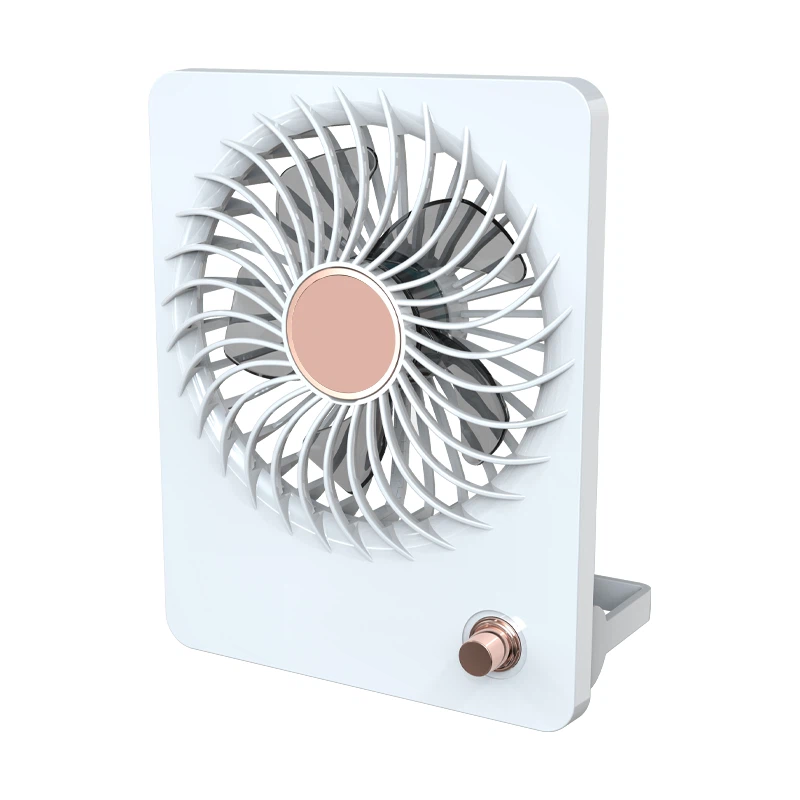
As a desktop fan supplier, we offer a wide range of high - quality desktop fans to meet your needs. Our High Velocity Table Fan is perfect for those who need a powerful breeze, while the Bed Side Table Fan is designed for quiet and gentle operation at night. The Clock Desk Fan combines the functionality of a fan with a clock, adding a practical and stylish touch to your desk.
Contact Us for Purchasing
If you are interested in purchasing our desktop fans or have any questions about motor maintenance, feel free to reach out to us. We are always ready to assist you with your fan - related needs. Whether you are a retailer looking to stock our products or an individual in need of a reliable desktop fan, we can provide you with the best solutions.

References
- "Fan Maintenance Guide" - Generic Home Appliance Handbook
- "Electrical Motor Basics" - Electrical Engineering Textbook
- Manufacturer's User Manuals for Desktop Fans