




How to clean the blades of a Table Air Fan?
 Nov 20, 2025|
 Hey there! As a supplier of table air fans, I know how important it is to keep these little guys in top - notch condition. One of the most crucial maintenance tasks is cleaning the blades of your table air fan. A clean fan not only looks better but also works more efficiently, keeping you cool and comfortable. So, let's dive right into how you can clean those fan blades like a pro.
Why Clean the Blades?
First off, you might be wondering why it's necessary to clean the blades at all. Well, over time, dust and dirt accumulate on the blades. This build - up can make the fan less effective. The extra weight from the dust can slow down the rotation of the blades, reducing the airflow. And let's face it, a fan that doesn't blow much air isn't doing its job!
Moreover, dirty blades can also be a health hazard. The dust on the blades can contain allergens and other particles that get blown into the air when the fan is running. This can cause problems for people with allergies or respiratory issues. So, cleaning the blades is not just about performance; it's also about your well - being.
Tools You'll Need
Before you start cleaning, gather the following tools:
- A soft microfiber cloth: This is great for gentle dusting.
- A small brush: An old toothbrush works wonders.
- Mild dish soap: You don't need anything too harsh.
- A bucket of warm water: Just enough to soak your cloth or brush.
- A screwdriver (if needed): Some fans have removable blade covers that require a screwdriver to open.
Step - by - Step Cleaning Process
Step 1: Unplug the Fan
This is a no - brainer but extremely important. You don't want to risk getting electrocuted while cleaning. So, make sure the fan is unplugged from the power source before you start.

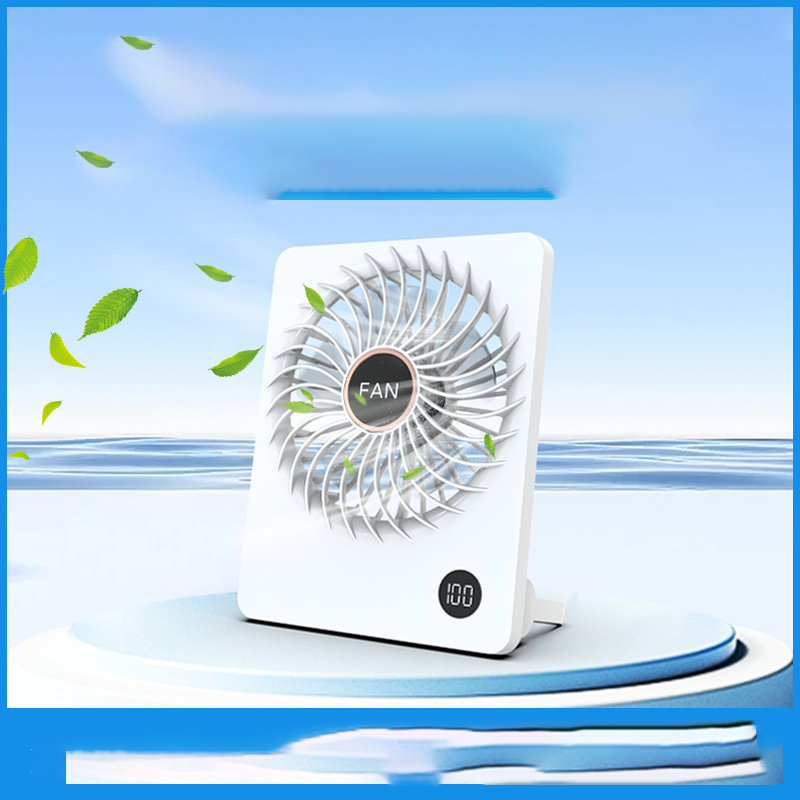
Step 2: Remove the Blade Cover
If your fan has a blade cover, you'll need to take it off. Some covers simply snap off, while others might require a screwdriver. If you're using a screwdriver, be careful not to lose the screws. Keep them in a safe place, like a small container.
Step 3: Dust the Blades
Use your soft microfiber cloth to gently dust the blades. Start from the center of the blade and work your way out to the edges. Be thorough but gentle, so you don't bend the blades. If there are hard - to - reach areas, use the small brush to get rid of the dust. You'll be surprised at how much dust comes off just with this simple step.
Step 4: Prepare the Cleaning Solution
Fill your bucket with warm water and add a small amount of mild dish soap. Mix it well until you see some bubbles. You don't need a lot of soap; just enough to break down the dirt and grease on the blades.
Step 5: Clean the Blades
Dip your microfiber cloth into the soapy water and wring it out so it's damp but not dripping. Wipe each blade with the damp cloth, making sure to clean both sides. If there are stubborn stains or a lot of dirt, you can use the brush dipped in the soapy water to scrub the blades gently.
Step 6: Rinse the Blades
After cleaning the blades with the soapy water, dip a clean cloth into plain warm water and wring it out. Use this cloth to rinse off the soap from the blades. Make sure there's no soap residue left, as this can attract more dust.
Step 7: Dry the Blades
Use a dry microfiber cloth to dry the blades thoroughly. You can also let the blades air - dry for a little while. Make sure they are completely dry before you reassemble the fan.
Step 8: Reassemble the Fan
Once the blades are dry, put the blade cover back on. If you used a screwdriver to remove the cover, carefully screw it back in place. Double - check that everything is secure.
Tips and Tricks
- Regular Maintenance: Try to clean your fan blades every few weeks, especially during the peak usage season. This will prevent a large amount of dust from building up.
- Use Compressed Air: If you don't have time for a full - blown cleaning, you can use compressed air to blow away the dust from the blades. Just make sure you hold the can upright to avoid spraying any liquid on the fan.
- Check for Damage: While cleaning, take a close look at the blades for any signs of damage, like cracks or chips. If you notice any issues, it might be time to replace the blades or the whole fan.
Our Table Air Fans
At our company, we offer a wide range of table air fans that are not only high - quality but also easy to maintain. If you're looking for a quiet option, check out our Most Quiet Desk Fan. It's perfect for those who want a peaceful environment while staying cool.
For your living room, our Small Table Fan for Living Room is a great choice. It's compact yet powerful enough to circulate the air in a small to medium - sized room.
And if you're in the market for a top - rated fan, take a look at our Top Rated Desk Fans. These fans have been highly recommended by our customers for their performance and durability.
Contact Us for Purchasing
If you're interested in purchasing our table air fans or have any questions about our products, feel free to reach out to us. We're always happy to help you find the perfect fan for your needs. Whether you're a retailer looking to stock up or an individual in search of a great fan, we've got you covered.
References
- Home Maintenance Handbook: A guide to keeping your household appliances in good condition.
- Fan Manufacturer's Manuals: These provide specific cleaning and maintenance instructions for different types of fans.