




How do I troubleshoot a portable fan that doesn't work?
 Oct 06, 2025|
 Troubleshooting a portable fan that doesn't work can be a frustrating experience, but with a systematic approach, you can often identify and resolve the issue. As a supplier of portable fans, I've encountered various problems over the years and have developed effective solutions. In this blog post, I'll share some common issues and steps to troubleshoot a non - working portable fan.
Check the Power Source
The first thing to examine when your portable fan isn't working is the power source. Different types of portable fans operate on various power supplies, such as batteries, USB connections, or direct electrical outlets.
Battery - Powered Fans
For battery - powered fans, the first step is to check the batteries. Remove the battery compartment cover and inspect the batteries for signs of corrosion, leakage, or damage. If you notice any corrosion, clean the battery contacts gently with a dry cloth or a cotton swab dipped in vinegar or lemon juice. After cleaning, dry the contacts thoroughly before reinserting the batteries.
Ensure that the batteries are inserted correctly, following the polarity markings inside the battery compartment. Sometimes, incorrect battery placement can prevent the fan from working. If the batteries are old or depleted, replace them with fresh ones of the same type and voltage. For example, if your fan requires AA batteries, use new AA batteries with the appropriate voltage rating.
USB - Powered Fans
If your portable fan is USB - powered, check the USB cable for any visible damage, such as frayed wires or bent connectors. Try plugging the USB cable into a different USB port on your device, such as a computer, power bank, or USB wall charger. Sometimes, the issue may be with the USB port rather than the fan itself.
If possible, test the USB cable with another USB - powered device to determine if the cable is faulty. If the cable is damaged, replace it with a new one. Additionally, make sure that the power source you're using can provide enough power to run the fan. Some low - power USB ports may not supply sufficient energy for the fan to operate properly.
Electric Outlet - Powered Fans
For fans that plug directly into an electrical outlet, check if the outlet is working. Plug another device, like a lamp, into the same outlet to verify that it has power. If the outlet is dead, check the circuit breaker or fuse box to see if a breaker has tripped or a fuse has blown. Reset the breaker or replace the fuse if necessary.
Inspect the power cord of the fan for any damage. Look for cuts, breaks, or exposed wires. If you find any issues with the power cord, do not attempt to repair it yourself. Instead, contact a professional electrician or the manufacturer for a replacement cord.
Examine the Fan Blades
Sometimes, the problem with a non - working fan lies in the fan blades. Check if the blades are obstructed by any objects, such as dust, debris, or small items that may have fallen into the fan. Use a soft brush or compressed air to remove any dirt or debris from the blades and the fan housing.
Ensure that the blades can rotate freely. If the blades are stuck, try to gently turn them by hand. If they won't move, there may be a mechanical issue inside the fan. In this case, it's best to contact the manufacturer or a professional technician for further inspection and repair.
Look at the Control Settings
Your portable fan may have various control settings, such as speed settings, oscillation, or timer functions. Make sure that the fan is set to the correct mode and speed. Sometimes, the fan may appear to be non - working because it's set to a very low speed or an incorrect mode.
Check the control buttons or switches for any signs of damage or malfunction. If a button is stuck or not responding, try gently pressing it a few times to see if it will work. If the control mechanism is faulty, you may need to replace the control board or have it repaired by a professional.
Consider the Motor
The motor is the heart of the fan, and if it's not working, the fan won't run. Listen for any unusual noises coming from the fan when you try to turn it on. A grinding, buzzing, or clicking sound may indicate a problem with the motor.

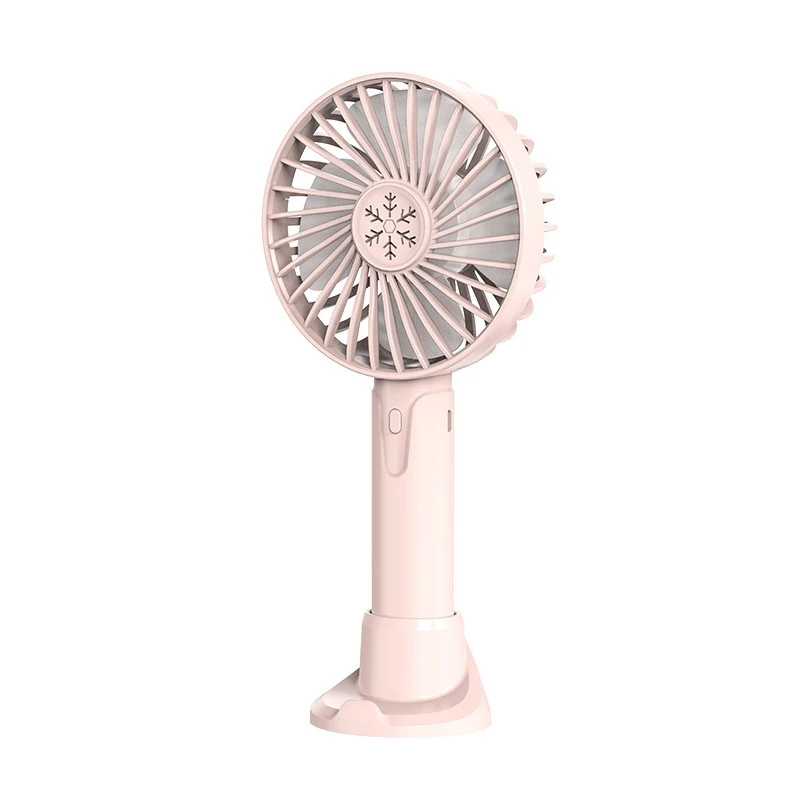
If the motor is overheating, it may automatically shut off to prevent damage. Let the fan cool down for a while and then try turning it on again. If the motor continues to overheat or doesn't work at all, it may be a sign of a more serious issue, such as a worn - out bearing or a damaged motor winding. In such cases, it's advisable to contact the manufacturer for a replacement motor or a repair service.
Check for Software or Firmware Issues
Some modern portable fans come with built - in software or firmware that controls their functions. If your fan has these features, make sure that the software or firmware is up - to - date. Check the manufacturer's website for any available updates and follow the instructions to install them.
Outdated software or firmware can sometimes cause the fan to malfunction or not work at all. Installing the latest updates can often resolve these issues and improve the performance of your fan.
When to Seek Professional Help
If you've tried all the troubleshooting steps above and your portable fan still doesn't work, it may be time to seek professional help. Contact the manufacturer's customer support team for assistance. They can provide you with more specific troubleshooting advice based on the model of your fan.
In some cases, the manufacturer may offer repair services or replacement parts. If your fan is still under warranty, they may repair or replace it free of charge. If you prefer, you can also take the fan to a professional appliance repair shop. Make sure to choose a reputable repair shop with experience in fixing portable fans.
Our Portable Fan Products
As a portable fan supplier, we offer a wide range of high - quality portable fans to meet your needs. Our Adjustable Rechargeable Fan is a great option for those who need a fan that can be easily adjusted and recharged. It features multiple speed settings and a long - lasting battery, making it suitable for various environments.
Our Air Cooler Usb Fan combines the functions of a fan and an air cooler. It can effectively cool the air around you while being powered by a USB connection, making it ideal for use at home, in the office, or on the go.
If you're looking for a small and compact fan, our Portable Little Fan is the perfect choice. It's lightweight and easy to carry, making it convenient for travel and outdoor activities.
Contact Us for Purchasing
If you're interested in purchasing our portable fans or have any questions about our products, feel free to contact us. We're committed to providing you with the best products and services. Whether you need a single fan for personal use or a large quantity for commercial purposes, we can meet your requirements.
References
- Manufacturer's user manuals for portable fans
- General knowledge of electrical and mechanical systems related to fans