




How do I know if my USB hub is powered?
 Jun 24, 2025|
 As a USB hub supplier, I often receive inquiries from customers about whether their USB hubs are powered. Understanding the power status of a USB hub is crucial, as it can significantly impact the performance and functionality of the connected devices. In this blog post, I'll share some insights on how to determine if your USB hub is powered and why it matters.
Why Power Matters in USB Hubs
Before we delve into the methods of checking if a USB hub is powered, let's first understand why power is so important. A powered USB hub has its own external power source, typically an AC adapter. This allows it to provide sufficient power to all the connected devices. On the other hand, an unpowered USB hub relies solely on the power provided by the host device (such as a computer) through the USB connection.
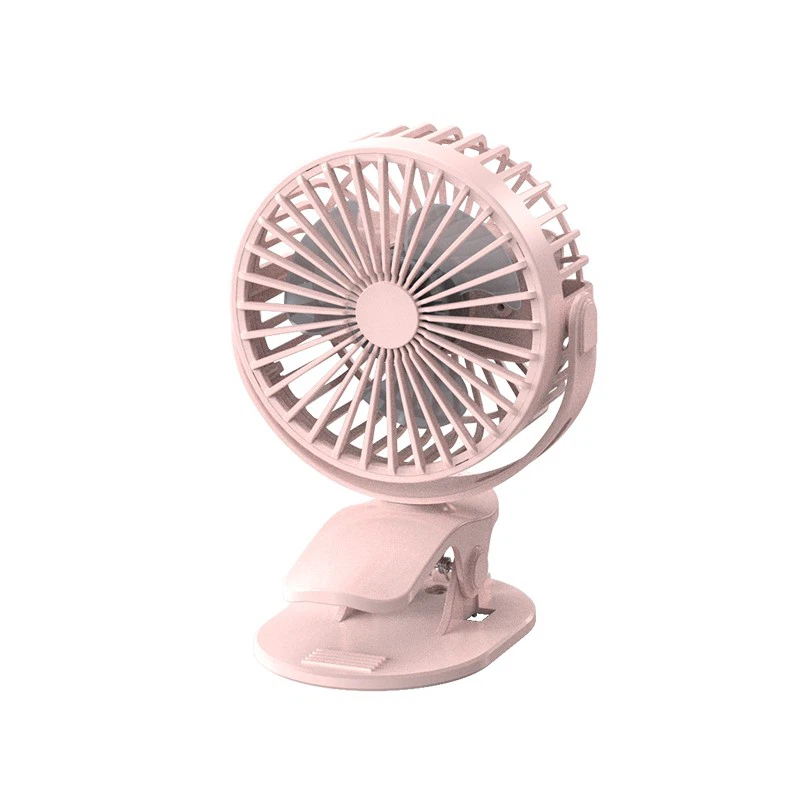
The main advantage of a powered USB hub is that it can support high - power devices. For example, devices like Silent Usb Desk Fan, Light Weight Gaming Mouse, and Portable Rechargeable Hand Warmer may require more power than an unpowered hub can supply. If you connect these devices to an unpowered hub, they may not work properly, or the hub may even malfunction.
Visual Inspection
One of the simplest ways to determine if your USB hub is powered is through visual inspection.
- Power Adapter: Check if the USB hub has a power adapter connected to it. A powered USB hub usually comes with an AC adapter that you plug into a wall outlet. If you see a cable running from the hub to a power brick and the power brick is plugged into the wall, then it's likely a powered USB hub.
- Power Indicator Lights: Many powered USB hubs have indicator lights. These lights can give you a clear sign that the hub is receiving power. Some hubs have a single LED that lights up when the power is on. Others may have multiple LEDs to indicate different statuses, such as power on, device connection, or data transfer. If the indicator light is illuminated, it means the hub is powered.
Device Performance
Another way to tell if your USB hub is powered is by observing the performance of the connected devices.
- High - Power Devices: As mentioned earlier, high - power devices are a good test. Connect a device like a high - speed external hard drive or a USB - powered fan to the hub. If the device works properly without any issues, such as slow data transfer, intermittent operation, or failure to start, it's likely that the hub is powered. For example, if you connect a Silent Usb Desk Fan to the hub and it spins at a normal speed, the hub is probably providing enough power.
- Multiple Device Connection: Try connecting multiple devices to the hub simultaneously. An unpowered hub may struggle to provide enough power to all the connected devices. If you notice that some devices stop working or become unstable when you connect more devices, it could be a sign that the hub is unpowered or not getting enough power. In contrast, a powered hub should be able to handle multiple devices without significant issues.
Checking the Specifications
You can also refer to the product specifications to determine if the USB hub is powered.
- Product Manual: The product manual that comes with the USB hub usually contains detailed information about its power requirements and whether it's a powered or unpowered hub. Look for sections that mention the power source, power consumption, or the maximum number of devices it can support.
- Online Resources: If you don't have the product manual, you can visit the manufacturer's website. Most manufacturers provide product specifications and documentation online. Search for the model number of your USB hub on the manufacturer's website and look for information about its power capabilities.
Using a Multimeter
For a more technical approach, you can use a multimeter to measure the voltage at the USB ports of the hub.
- Set Up the Multimeter: Set the multimeter to measure DC voltage. The typical voltage for a USB port is 5 volts.
- Measure the Voltage: Insert the probes of the multimeter into the USB port. The red probe should be inserted into the positive terminal (usually the pin on the right side when looking at the port from the front), and the black probe should be inserted into the negative terminal (usually the pin on the left side). If the multimeter reads close to 5 volts, it means the hub is providing power. If the reading is significantly lower or zero, it could indicate that the hub is not powered or is not functioning properly.
Importance for Our Customers
As a USB hub supplier, we understand the importance of ensuring that our customers can easily determine if their USB hubs are powered. We strive to provide high - quality powered USB hubs that can meet the needs of various devices. Our hubs are designed with clear power indicator lights and come with detailed product manuals to make it easy for our customers to identify and use them correctly.
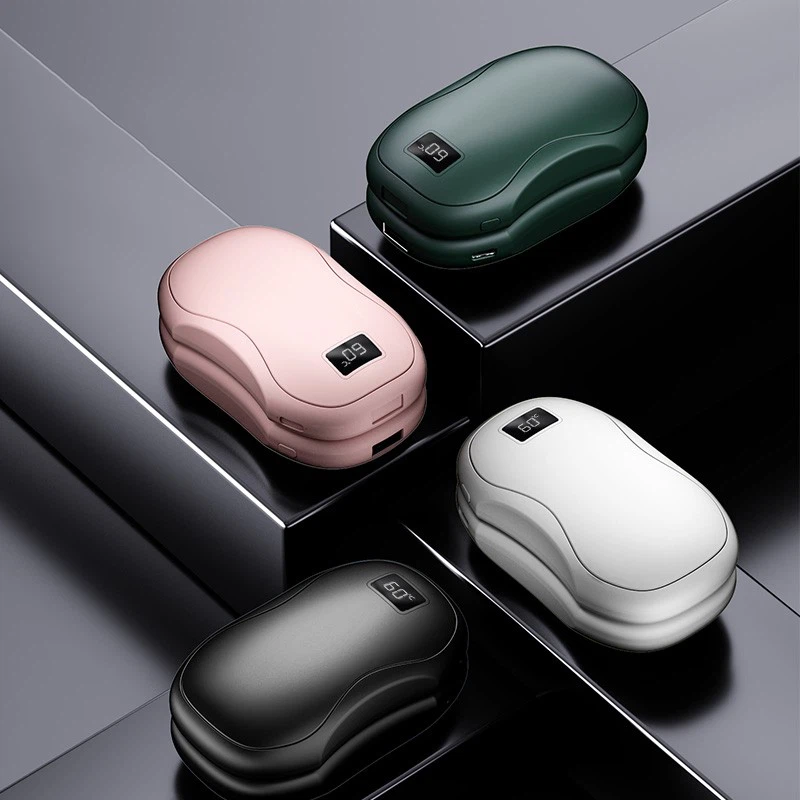
If you're experiencing issues with your USB hub or need to purchase a new one, we're here to help. Our team of experts can assist you in choosing the right USB hub for your specific requirements. Whether you need a hub to connect multiple Light Weight Gaming Mouse for a gaming setup or a Portable Rechargeable Hand Warmer during the cold season, we have the perfect solution for you.
We invite you to contact us for procurement and洽谈. Our goal is to provide you with the best products and services. Let's work together to ensure that your USB - connected devices operate smoothly and efficiently.
References
- "USB 3.0 Specification", USB Implementers Forum.
- "Power Management in USB Devices", IEEE Journal of Solid - State Circuits.
- Product manuals of various USB hubs.